Adding a custom domain (new setup)
In your domain provider, prepare your custom domain, for example mydomain.com.
Then, create a subdomain for the primary domain: track.mydomain.com.
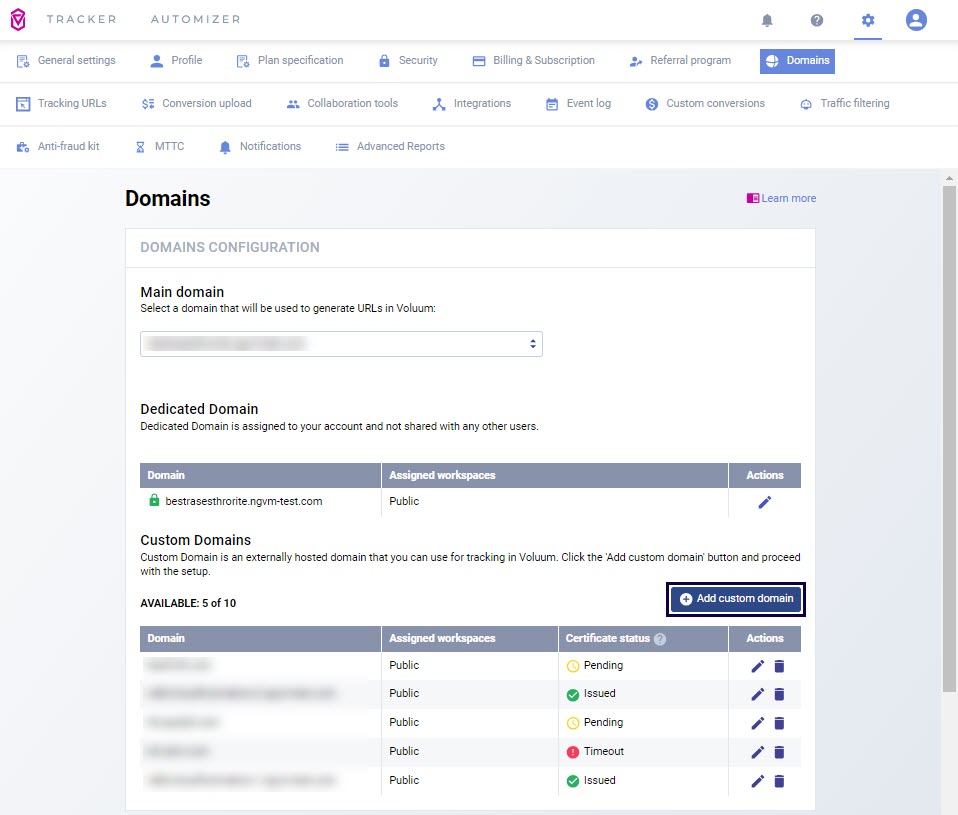
In Voluum, go to Settings / Domains and click the Add custom domain button.
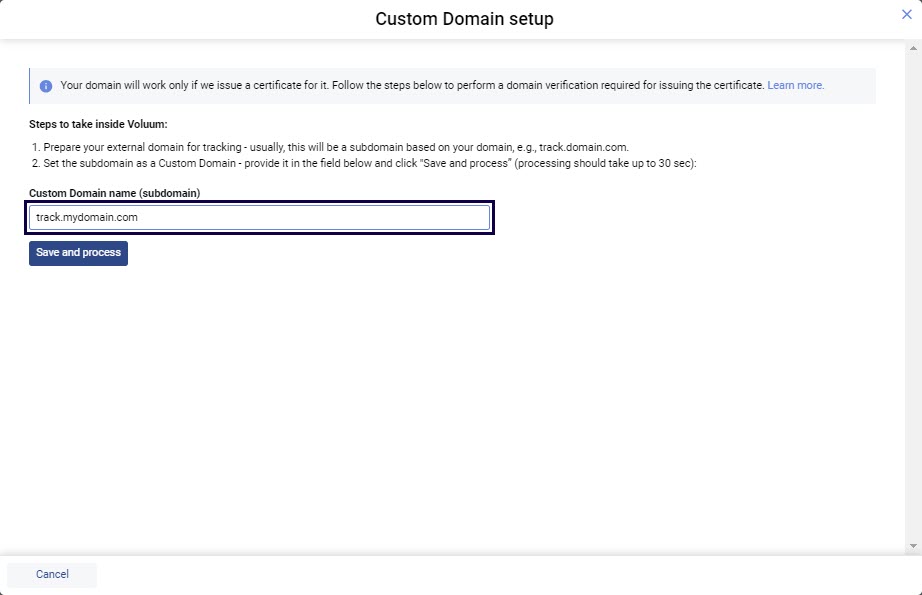
Provide your subdomain name and click the Save and process button.
After a brief period of waiting, copy the TWO domain names with TWO corresponding values to the clipboard.